
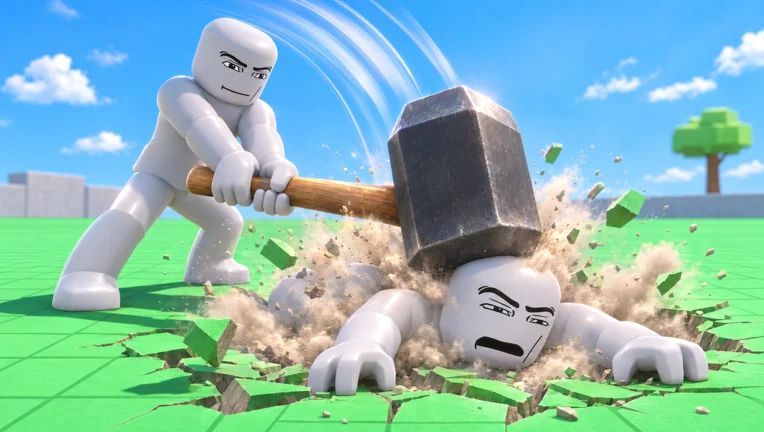
PC controls
| Key | What it does | Agreeing sources |
|---|---|---|
| WASD + mouse | Move and look around | Wiki controls page |
| Left mouse button | Use the equipped tool, or grab a dummy with empty hands | AllThingsHow, Pro Game Guides, wiki |
| Mouse wheel | Pull a grabbed dummy closer or push it further away | AllThingsHow, Pro Game Guides |
| Throw (on-screen prompt) | Fling the dummy you are holding | AllThingsHow, Pro Game Guides |
| G | Spawn or respawn dummies | AllThingsHow, Pro Game Guides, wiki |
| R | Revive dummies that are down | AllThingsHow, Pro Game Guides |
| V | Open Body Scan (x-ray view of broken bones) | AllThingsHow, Pro Game Guides, Bloxodes |
| C | Make your own character fall over, or get back up | AllThingsHow, Pro Game Guides |
| 1–7 | Switch hotbar slots | AllThingsHow |
One guide (Bloxodes) describes G as “return to spawn” instead. Three others call it the dummy respawn key, so that is what the table uses; if your key does something different after an update, the on-screen hints win.
Mobile and console
On phones and tablets you get an on-screen stick on the left and action buttons on the right. Players who wrote up the mobile version recommend lowering graphics quality first, finding the dummy respawn button (the G action) early, and splitting the work between thumbs: left thumb moves, right thumb aims and fires. If your phone gets hot, swap to a lighter tool such as the Pistol instead of explosives.
The game description says it supports console as well, but no guide we found lists the controller layout, so we are not going to guess one. See platforms for what is known per device.
Your first hour: the KO loop
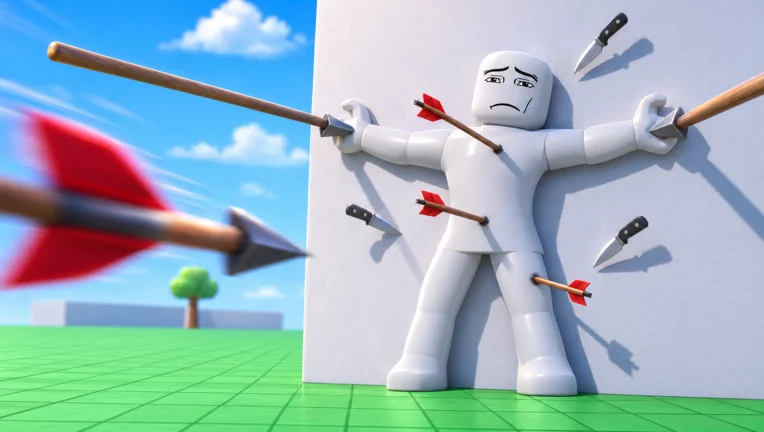
The starter kit is the Fire Axe, Fists, Pistol and Grenade. The loop that every guide agrees on is simple: Pistol out, walk into the group of dummies, aim at heads until they faint, press G, repeat. Head hits that knock a dummy out count; body shots mostly make them stumble. The Next indicator on the right tells you what unlocks next — the Bat at 5 KOs, the Hand Cannon at 10, the Molotov at 20.
The Lab menu in the lower-left corner changes the sandbox itself: move speed, map, time of day and weather. The Lab Controls pass adds fly mode and stop-time. None of that is needed to progress.
Who and what is in the world
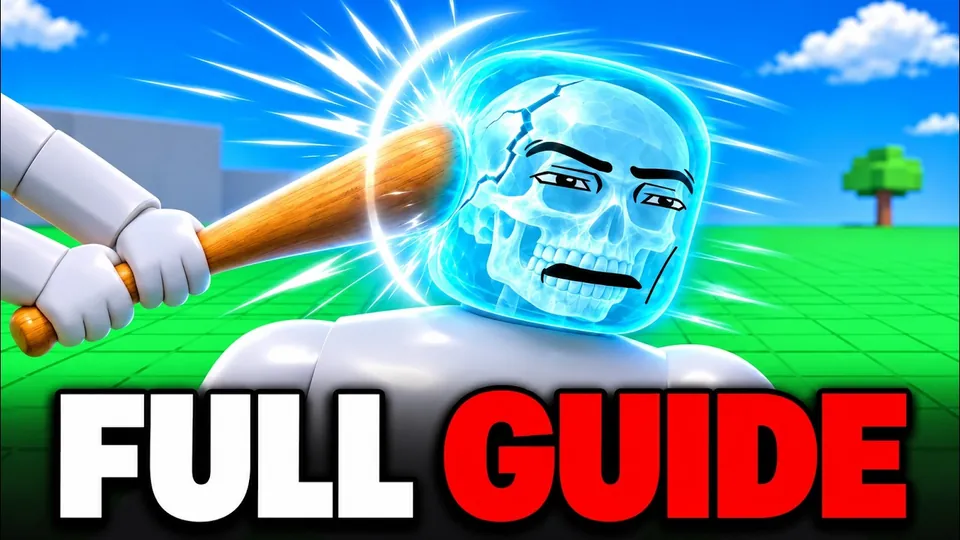
Besides the white training dummies you will meet talking dummies, zombies from the graveyard and, through events, giant dummies. Animals, vehicles and map machines are listed below with how sure we are about each.
| Character | What it does | Added | Sources |
|---|---|---|---|
| Training Dummy | White mannequin dummies that react limb by limb; they stumble, fight back and get up again. | Launch | 3 sources |
| Talking Dummy | Dummies answer, follow orders and help each other (official description); a dialogue tool was added in Update 1. | Launch | 1 source |
| Graveyard Zombie | Zombies rise from the graveyard; the Zombie Outbreak event raises more. | Launch | 2 sources |
| Giant Dummy | Oversized dummy that appears as an event. | Launch | 1 source |
| Mini Dummy | Mini dummies are listed in the official Update 1 event description. | Update 1 | 1 source |
| Name | Type | What we know | Added | Sources |
|---|---|---|---|---|
| Shark | Animal | Listed in the official game description as a wild animal. | Launch | 2 sources |
| Crocodile | Animal | Listed in the official game description as a wild animal. | Launch | 2 sources |
| Bear | Animal | Listed in the official game description as a wild animal. | Launch | 1 source |
| Gorilla | Animal | Named in both the launch description and the Update 1 animal list. | Launch | 2 sources |
| T-Rex | Animal | Listed in the official game description as a wild animal. | Launch | 2 sources |
| Bull | Animal | New animal in the official Update 1 event description. | Update 1 | 2 sources |
| Giant Spider | Animal | Named by Pro Game Guides as one of the creatures in the game. (Only Pro Game Guides names spiders; the official description does not.) | Launch | 1 source |
| Car | Vehicle | Driveable at launch (official description). | Launch | 2 sources |
| Monster Truck | Vehicle | Driveable; also sold as a 249 R$ gamepass. | Launch | 2 sources |
| Battle Tank | Vehicle | Driveable; also sold as a 399 R$ gamepass. | Launch | 1 source |
| Bike | Vehicle | Dummies can ride bikes after Update 1 (wiki). | Update 1 | 1 source |
| Quad | Vehicle | Dummies can ride quads after Update 1 (wiki). | Update 1 | 1 source |
| Jeep | Vehicle | Dummies can drive Jeeps after Update 1 (wiki). | Update 1 | 1 source |
| Giant Fan | Map machine | Map machine named in the official description; blows ragdolls around. | Launch | 2 sources |
| Rocket | Map machine | Map machine named in the official description. | Launch | 2 sources |
| Cannon | Map machine | Map machine named in the official description. | Launch | 2 sources |
| Crusher | Map machine | Map machine named in the official description. | Launch | 2 sources |
| Fight Ring | Map machine | Map machine named in the official description. | Launch | 2 sources |
Five beginner mistakes
- Shooting bodies. Torso hits throw dummies around but rarely knock them out. Aim higher.
- Forgetting G. A field of fainted dummies earns nothing; respawn them and keep going.
- Saving for the Sniper. It costs 8,100 KOs. The Hand Cannon at 10 KOs farms just as well early on.
- Buying events too early. Tornado, Tsunami and Meteor Rain are fun but cost Robux per use; they do not speed up KOs.
- Trusting script sites. Exploits break Roblox rules and can cost you the account. Read why we skip scripts.
Start playing Hyper Realistic Ragdoll
Join the game
Open the official Roblox page by Emo Playworks and press Play. You arrive alone in a one-player lab with dummies.
Equip the Pistol
Pick the Pistol from the hotbar with the number keys. It is free from the start.
Aim for heads
Shoot dummies in the head until they faint. Each faint is a KO toward your next unlock.
Respawn the dummies
Press G to bring the dummies back and repeat the loop.
Check the next unlock
Watch the Next indicator on the right of the screen; the Bat arrives at 5 KOs and the Hand Cannon at 10.
FAQ
How do I respawn dummies in Hyper Realistic Ragdoll?
Press G on PC, or the respawn button on mobile. It brings the dummies back so you can keep earning KOs.
How do I revive a dummy?
Press R to revive downed dummies. The Defibrillator (100 KOs), Heal Dart (110 KOs) and Medkit (150 KOs) heal or revive them as tools.
What does V do?
V opens Body Scan, an x-ray view that shows which bones are broken.
What counts as a KO?
Knocking a dummy out, usually with a strong hit to the head. KOs unlock new tools.
Sources and check dates
- AllThingsHow — Controls and how body damage works — checked 2026-11-19
- Pro Game Guides — Beginner's guide — checked 2026-11-19
- Bloxodes — All 40 weapons — checked 2026-11-19
- hyperrealisticragdoll.wiki — Controls — checked 2026-11-19
- Roblox — Hyper Realistic Ragdoll game page (Emo Playworks) — checked 2026-11-19
- YouTube — ItzVexo, “Hyper Realistic Ragdoll Guide! (Tips & Tricks, Get KOS FAST) ROBLOX” (2026-11-11) — checked 2026-11-19
- YouTube — Blueburry, “HYPER REALISTIC RAGDOLL GUIDE! (All Weapons, Maps, Powers) - Roblox” (2026-11-11) — checked 2026-11-19